



Meet
Get started with professional SEO services by requesting a strategy proposal today from the top-rated SEO company.

Be where your customers are and your competitors aren’t- AI search results.
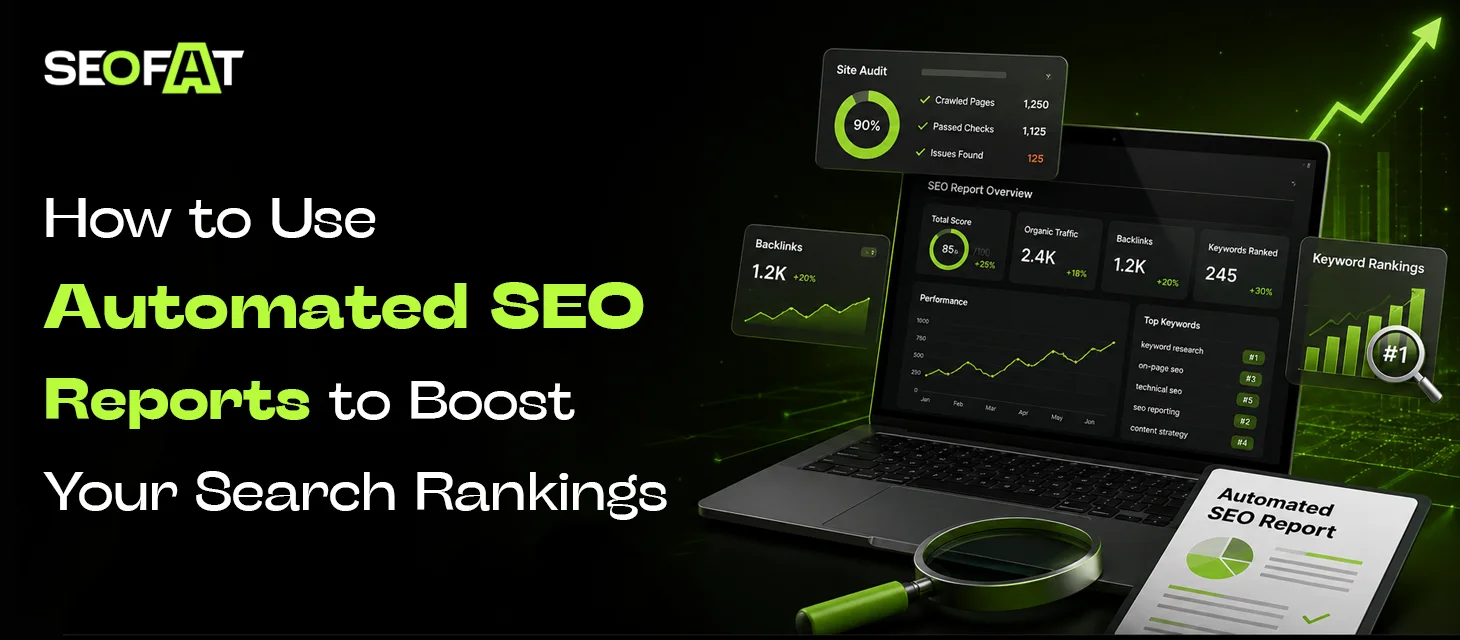
Get SEO ProposalAutomated SEO reports help businesses manage performance data by automating SEO workflows, enabling quick identification of ranking drops, technical errors, and new keyword opportunities. Businesses working with multiple clients need accurate tracking of ranks, clicks, impressions, and conversions, making automation essential for regular reporting.
Automated SEO reports include key SEO data, organize it, and present it in a format that is easier to understand. They can also be sent on a fixed schedule, helping teams spot changes without checking every tool every day.
A professional SEO agency like SEOFAT helps you automate your SEO reporting instead of wasting hours exporting numbers to spreadsheets. This support helps monitor performance trends, alert you to key technical issues, and identify immediate optimization opportunities to drive business growth.
This blog explains how to use automated SEO reporting to turn raw data into practical actions that can support stronger search performance.
An automated SEO report is a scheduled report that gathers SEO information from one or more data sources and presents it in a central dashboard or document. It self-updates project performance summaries generated by software that collects, analyzes, and delivers SEO data on a scheduled basis without manual compilation.
Instead of manually collecting numbers from different platforms, an automated system can pull the data at regular intervals, making the process much faster and more accurate.
Depending on the reporting setup, a detailed automated SEO report may include:
For example, Google Search Console can show which queries bring users to your website and which pages receive clicks and impressions. You can also filter the data by pages, queries, countries, and other dimensions.
An effective automated SEO report transforms complex raw data into a summary. It eliminates hours of manual data tracking by pulling live metrics from multiple data streams on a recurring schedule. To build a high-performing automated reporting workflow, you must integrate several core components:
Records daily or weekly positions for priority search terms.
Measures visitor numbers, sessions, and engagement trends via Google Analytics.
Pulls impressions, clicks, and average positions from Google Search Console.
Flags crawl errors, broken links, indexing problems, and speed issues.
Logs new links, lost links, and changes in referring domains.
Automated SEO reporting saves hours of manual data collection by automatically collecting data from Google Search Console and Google Analytics on a set schedule, while manual reporting offers deeper human context and tailored narratives.
Automated SEO Reporting
Pros:
Cons:
Manual SEO Reporting
Pros:
Cons:
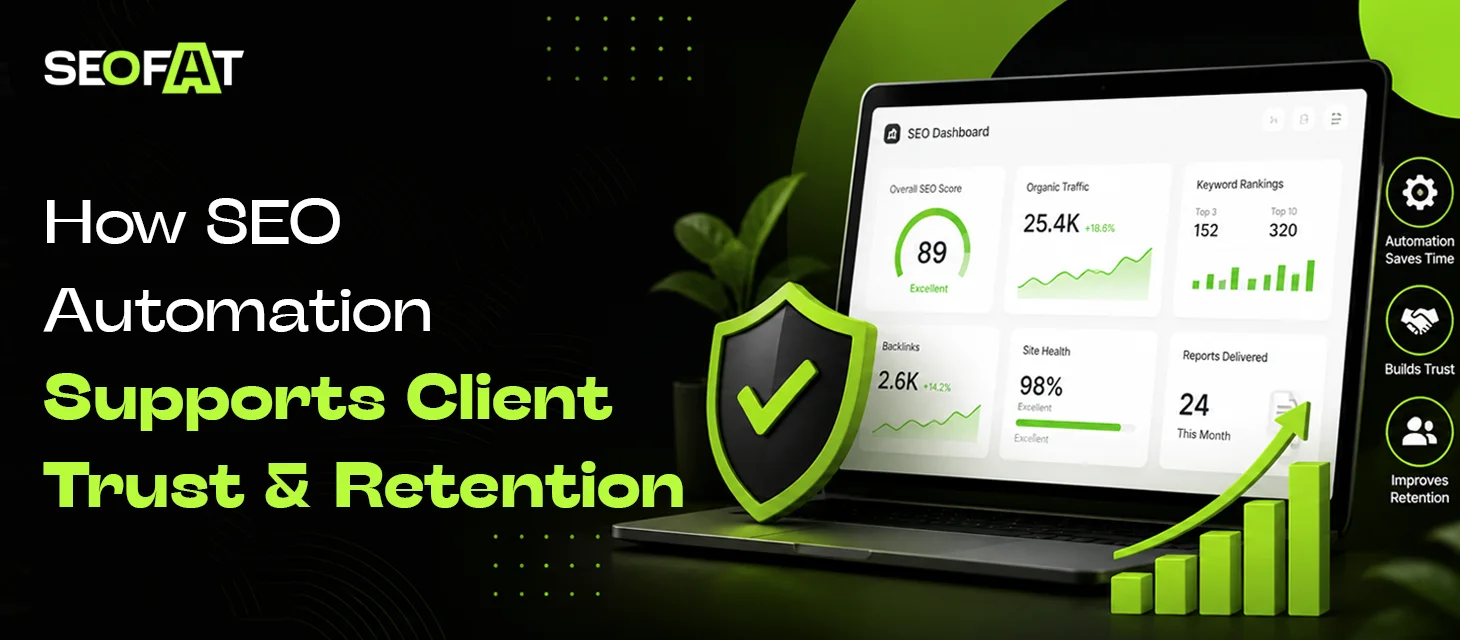
SEO automation builds client trust and improves retention by delivering consistent reports. With its timely performance updates, businesses can optimize performance before any progress declines.
Automated scheduling ensures clients receive clean and branded performance reports. These reports can be generated on the same day every month, which prevents any missed details. Additionally, it prevents delays caused by manual reporting.
Real-time dashboards give clients 24/7 visibility into their progress. Reports include keyword rankings, traffic growth, and backlink profiles. Automated SEP reports offer open access to the work, helping with better coordination.
Automated technical audits spot broken links, slow pages, or missing tags instantly. Fixing these errors before rankings drop shows high competence and care.
Automating routine tasks like rank tracking saves agencies up to 70% of reporting time. SEO teams can use this saved time for high-value business planning and building strategies.
Regular, easy-to-read automated summaries help to get a clear view of business revenue. Clients renew contracts when they clearly see the results of their money spent.
Scheduled insights keep clients connected to progress even during slow growth phases, reducing churn and building long-term partnerships.
To create an automated SEO report, you can connect live data sources like Google Search Console and Google Analytics 4. These sources can be linked to an automated SEO reporting tool like Looker Studio and set a recurring schedule. Start with business goals and then select the SEO metrics that support them.
Some metrics are useful for almost every website.
| Metric | What It Shows | Why It Matters |
|---|---|---|
| Clicks | Visits from Google Search | Shows search traffic generated |
| Impressions | How often pages appear in Search | Shows search visibility |
| CTR | Percentage of impressions that receive clicks | Helps assess search-result appeal |
| Average position | Average topmost position recorded for impressions | Helps monitor ranking trends |
| Organic traffic | Visitors from organic search | Shows broader SEO performance |
| Conversions | Leads, sales, or other actions | Connects SEO with business results |
| Indexed pages | Pages available for Search indexing | Helps identify indexing problems |
| Backlinks | Links pointing to your site | Supports authority analysis |
Google defines CTR as clicks divided by impressions. It also notes that average position can be complex, so it should not be treated as the only measure of SEO success.
Your report is only as useful as the data behind it. Google Search Console is particularly useful for understanding how your website appears in Google Search. Its Performance report provides data on clicks, impressions, CTR, and position.
Common sources to generate Automated SEO Reports include:
You should also understand how your reporting platform handles data. Integrate third-party rank tracking or backlink tools if deep competitor data is required.
Weekly reports can be useful for monitoring ongoing SEO campaigns, technical projects, or major website changes.
A practical schedule may look like this:
Technical problems, ranking changes, sudden traffic drops
Traffic, keywords, content, conversions, and SEO progress
Strategy, content gaps, competitors, and long-term growth
Avoid changing the reporting period every time you review performance. Consistent time frames make trends easier to understand.
An automated report does not change rankings directly. It gives you the information needed to identify problems and opportunities.
A page can appear frequently in Google Search without receiving many clicks. The page may already have strong search visibility, but its title or description may not give users enough reason to click. Automated SEO reports help to find such content gaps. Updating titles and descriptions can help when they do not accurately represent the page or match the queries generating visibility.
Check:
Automated ranking reports can help identify keywords where pages already have some visibility.
For example:
| Keyword Position | Possible Action |
|---|---|
| 1–3 | Protect and improve the page |
| 4–10 | Look for opportunities to strengthen the page |
| 11–20 | Review content depth and search intent |
| 21–50 | Check relevance, authority, and competition |
| 50+ | Reassess the keyword and page strategy |
One of the strongest uses of automated reporting is identifying negative trends early. Your report can compare the current period with the previous period and highlight pages where:
Search queries can reveal topics that your existing content already ranks for. Automated SEO reporting tools allow you to examine queries and pages separately, helping you understand which searches are associated with specific URLs.
These queries can help you:
Technical issues can affect how search engines understand your pages. An automated tool can identify technical issues to help your page become easy to crawl and index.
Automated reports can help track recurring problems such as:
These checks should be combined with human review for the highest accuracy.
Automated SEO reports can save time, improve consistency, and make search performance easier to understand. The best approach to automate reporting is to use the metrics and optimize SEO strategies to align with business goals efficiently. With SEOFAT, agencies can assess important SEO performance data and build a more consistent reporting process for every campaign. Our team uses custom AI SEO solutions to automate key SEO tasks, making project tracking, performance monitoring, and reporting faster and easier.


SEO forecasting predicts future organic traffic, rankings, and revenue by analyzing historical data, search volumes,...
Read More
Pinterest is more than a social media platform. It functions primarily as a visual search...
Read More
To improve website performance in both traditional and AI search engines, brands often implement Open...
Read More
Keyword cannibalization becomes a core risk for brands that publish a high number of content...
Read More