



Meet
Get started with professional SEO services by requesting a strategy proposal today from the top-rated SEO company.

Be where your customers are and your competitors aren’t- AI search results.
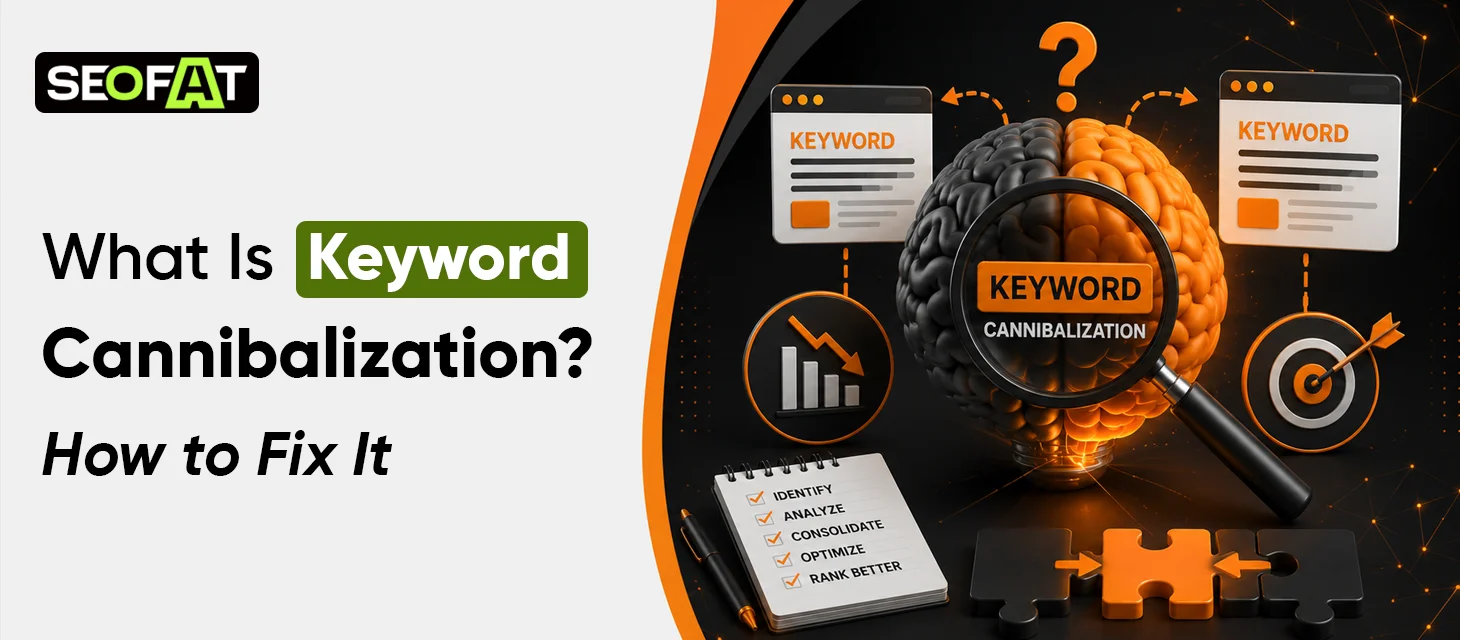
Get SEO ProposalKeyword cannibalization becomes a core risk for brands that publish a high number of content pieces regularly on websites. It happens when multiple pages on a website target the same keyword and search intent. To search engines, these pages act as competitors working for the same audience, splitting page authority and diluting traffic and SERP performance. As websites grow over time, accidental cannibalization becomes more common and can’t be managed without an optimized content strategy.
In this guide, we will break down exactly what keyword cannibalization is, how it can impact your SEO, and how to identify and prevent it.
The term “cannibalization” comes from the idea that your own pages are competing with—and effectively “eating into”—each other’s traffic, rankings, and search visibility. Keyword cannibalization is an SEO issue. It is created by the website itself when a lot of content is published targeting the same intent and keywords. Once published, the website unintentionally competes against itself for search queries, reducing overall authority and rankings.
Sometimes businesses simply think it means using the same word across different pages. However, it is not this simple. Keyword cannibalization is more about matching search intent. If you have two or three pages serving the same exact audience for the same query, your website will face cannibalization issues.
Before you understand how to avoid the problem, let’s focus on assessing how to find it. Depending on the size of your website, you can use several methods as mentioned below:
The fastest manual check can be completed on the Google search engine. Once you enter your query, the search engine will offer some results. You will get all the pages on your site that target the same keyword cluster. Look closely at the top results. If the titles, meta descriptions, and core topics target the same audience and intent, this is a cannibalization issue.
Google Search Console (GSC) offers the most accurate answer to the issue.
If you see multiple URLs generating impressions for a single query, they are competing against one another.
If you manage a large website, manual auditing is not possible. Industry tools and premium suites offer dedicated toolsets to automate this process:
1. Semrush:
The Position Tracking tool includes a Cannibalization tab. It can be used to flag overlapping URLs automatically.
2. Ahrefs:
Use the Site Explorer, go to Organic Keywords, and use the "Multiple URLs" filter. This helps to isolate keywords that target more than one page on your website.
3. Moz Pro:
Use the Keyword Explorer or Keyword Gap 2.0 tool. It helps to visually sort and identify competing content assets.
The best solution depends on whether you need to keep both pages or if they are essentially duplicates.
If you have two pages covering nearly identical information, choose the best one. The stronger page can be found based on traffic, backlinks, and current rankings.
Action:
Extract any unique, valuable content from the weaker page. Use this content and merge it into the winning page. Then, delete the weaker page and set up a 301 redirect pointing to the stronger URL. This helps to pass along its page SEO value.
Sometimes pages share keywords but should target different steps of the buyer’s journey. For example, a general category page for "/laptops/" might compete with a specific "/laptops/gaming/" subcategory page.
Action:
Rewrite the content to differentiate the pages. Strip the broad target keyword out of the sub-page's titles and headers, and re-optimize it strictly for long-tail, specific queries.
Sometimes brands can have to leave both pages live. This can be due to user-experience reasons such as ad campaigns. However, if you want one version to show up in search engines:
Action:
Add a rel="canonical" tag to the HTML code of the secondary page. Point the tag to your preferred, master URL. This signals to Google exactly which page should receive the ranking credit.
Search engines rely heavily on anchor text. It is used to understand what a page is about. If multiple internal links across your site use the exact same keyword anchor text for different pages, it triggers cannibalization.
Action:
Audit your internal links. Ensure that links using your primary target keyword point only to your preferred master page.

Preventing keyword cannibalization requires mapping target keywords to unique URLs before publishing content.
Keyword cannibalization can weaken SEO performance when multiple pages are competing for the same search intent.
When several pages target the same topic, links and authority may be distributed across them rather than concentrated on one strong URL. That does not mean Google simply divides a ranking score between pages. Search systems evaluate pages individually using many signals. Still, overlapping pages can make it harder to build a clear, authoritative resource around a topic.
Search engines need to determine which page best answers a user's query. If two pages offer almost the same information, the search engine has to choose between them. That choice may not always match your preference.
Large websites can have thousands or even millions of URLs. Creating several pages that cover essentially the same topic adds unnecessary duplication and overlap. For smaller websites, crawl budget is rarely the main concern. For very large sites, however, controlling unnecessary URLs becomes more important.
Imagine searching for “technical SEO services” and landing on a general SEO blog when you actually need a service page. If your website has several competing URLs, visitors may not always reach the page designed for their needs. That can affect engagement and conversions.
More overlapping pages also mean more work. You have to update several articles, monitor multiple rankings, build links to multiple URLs, and maintain information across different pages. A clearer content structure is often easier to manage.
Keyword cannibalization is not about using the same keyword more than once. It is about having multiple pages that compete for the same search intent without a clear reason for both pages to exist. If you want a professional partner to assess your website and support your business with quality content and search engine optimization, partner with SEOFAT today! Our experts help your website avoid keyword cannibalisation while improving your SERP performance.


SEO forecasting predicts future organic traffic, rankings, and revenue by analyzing historical data, search volumes,...
Read More
Pinterest is more than a social media platform. It functions primarily as a visual search...
Read More
To improve website performance in both traditional and AI search engines, brands often implement Open...
Read More
Automated SEO reports help businesses manage performance data by automating SEO workflows, enabling quick identification...
Read More